
WeKonact Classifieds
Sell Anything
Buy Anything
Sell Anything
How Ride Works

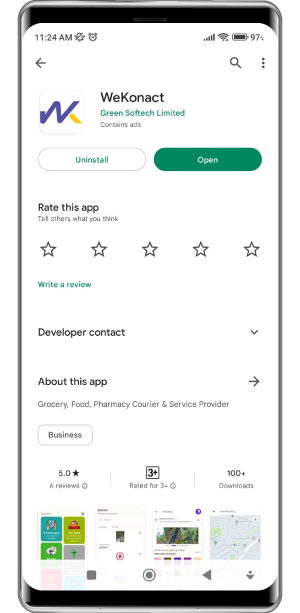
Download the WeKonact App
Tap on the Classifieds icon after opening the app.

Create a listing
Click on the green plus sign in the bottom right of the screen to create a new listing.

Provide listing details
Fill in the form with all the details of the item being sold.

Confirm listing
Confirm details to successfully list your item in the classifieds.
Buy Anything
How Ride Works
Download the WeKonact App
Tap on the Classifieds icon after opening the app.
Select Item from Listing
Scroll through the multiple items listed on the classifieds and select the
one
you want. Filter by categories to make it easier to find what you are looking for.
Contact Seller
Fill in the form with all the details of the item being sold.
JOIN TO US
Newsletter
[contact-form-7 id=”57″ title=”Newsletter”]